Guides
Learn how to set up and get more from NotionStats.

Step-by-Step Guide to Adding Custom Analytics to Notion with NotionStats
Learn how to enhance your Notion with powerful analytics using NotionStats. This guide walks you through creating custom charts and calendars, linking them to your Notion database, and tracking data visually for better insights and productivity.
Read Guide

How to Create Custom Charts in Your Notion: A Step-by-Step Guide
Follow this step-by-step guide to create and embed custom charts into your Notion pages...
Read Guide

How to Create and Track Milestones in Your Notion Workspace: A Step-by-Step Guide
Learn how to create, customize, and embed milestones in your Notion workspace. Track progress across finance, subscriptions, habits, fitness, and more with auto-updating goal displays.
Read Guide
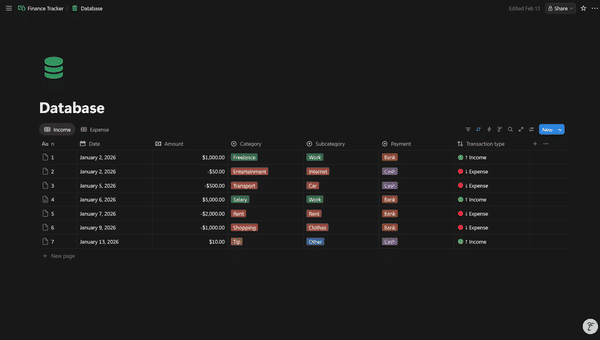
How to Structure Your Notion Finance Database for the Best Analytics
Set up a Notion Transactions database that unlocks accurate income/expense, net worth, and category analytics in NotionStats.
Read Guide
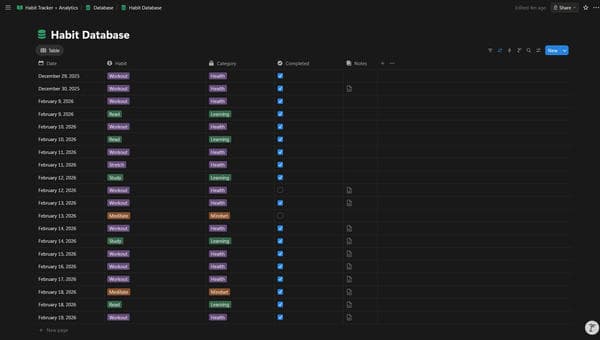
How to Structure Your Notion Habit Tracker Database for the Best Analytics
Set up a Notion Habit Log database that unlocks completion rates, streaks, and consistency analytics in NotionStats.
Read Guide
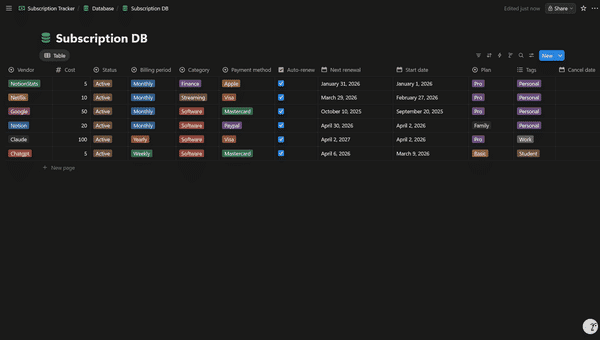
How to Structure Your Notion Subscription Database for the Best Analytics
Set up a single Notion Subscriptions database that unlocks accurate spend, renewals, and breakdown analytics in NotionStats.
Read Guide
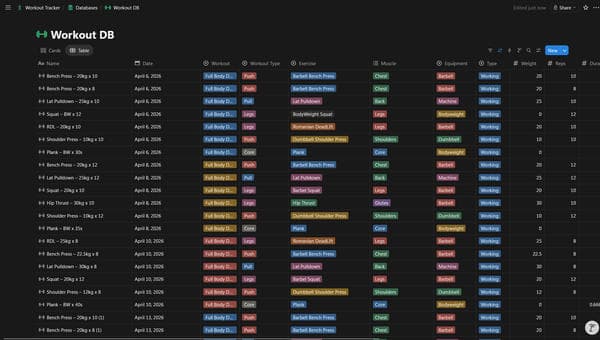
How to Structure Your Notion Fitness Database for the Best Analytics
Set up a Notion workout log (plus optional cardio and body metrics fields) to unlock strength, cardio, and progress analytics in NotionStats.
Read Guide
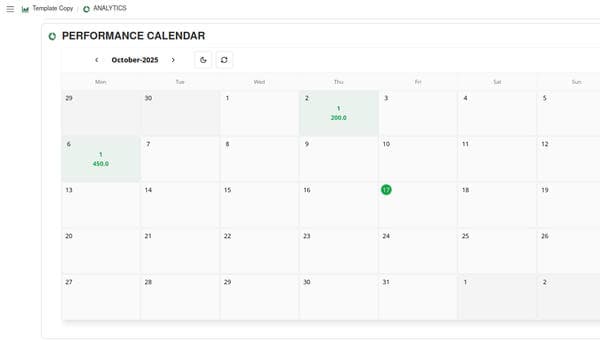
A Step-by-Step Guide to Adding a Custom Calendar to Notion
This guide walks you through adding a custom calendar to Notion step by step.
Read Guide